
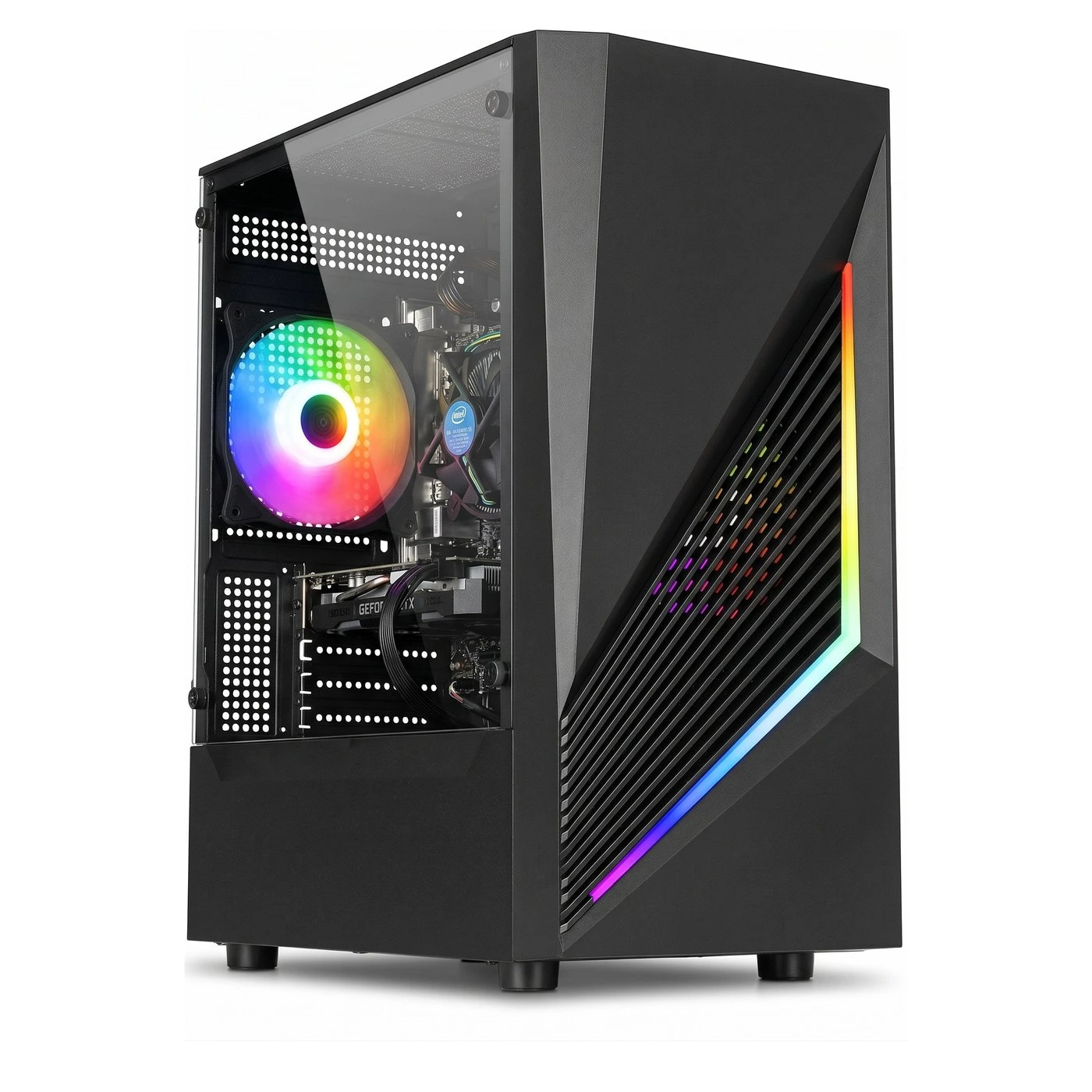

Counter-Strike 2 is much more demanding than CS:GO was, because it runs on Valve’s newer Source 2 engine. This guide gives conservative frame rates for every PC we sell, the settings that matter most, and a few things worth knowing before you buy.
The short answer: the GTX 1060 6GB and RX 580 8GB builds play CS2 well at 1080p, with around 100 FPS or more in most rounds. The GTX 750 4GB builds can play it, but are better suited to casual matches than competitive play.
How we worked out these numbers
All figures are for 1920 x 1080 (1080p) with 8GB of RAM, the standard memory in every build. They are based on published tests of these graphics cards, adjusted downwards to allow for our older processors and for game updates that have made some titles more demanding over the years. We would rather you get more than we promise, not less. Busy moments will always run lower than quiet ones, so we give a range rather than a single number, and exact results can vary with game updates and drivers.
CS2 FPS by graphics card
| Graphics card | 1080p, low settings | 1280 x 960 (4:3), low settings |
|---|---|---|
| GTX 750 4GB | 55–85 FPS | 70–100 FPS |
| GTX 1060 6GB | 90–130 FPS | 110–150 FPS |
| RX 580 8GB | 85–125 FPS | 100–145 FPS |
Smokes, molotovs and busy retakes will push frame rates below these ranges for short moments. Many CS2 players use 1280 x 960 stretched, which is why we have included it.
Does the processor make a difference?
Yes. CS2 rewards fast processor cores, so the newer Haswell chips do best. The i7-4770 builds sit at the top of each range, followed by the i5-4570 and i7-3770, with the i7-2600 and i5-3470 towards the bottom. On the GTX 750 4GB builds the graphics card is the main limit, so the processor matters less.
Best CS2 settings for our PCs
- Global shadow quality: lowest. Shadows are the single biggest performance cost in CS2.
- Boost player contrast: Enabled. It makes enemies easier to see and costs very little.
- Multisampling anti-aliasing: None or 2x MSAA. Use 2x on the GTX 1060 6GB and RX 580 8GB builds if you have frames to spare.
- Shader, particle and texture detail: Low. Ambient occlusion and other extras can be switched off.
- FidelityFX Super Resolution: leave it off on the GTX 1060 6GB and RX 580 8GB builds. On a GTX 750 4GB build, the Quality setting gives extra frames at a small cost to sharpness.
- NVIDIA Reflex: Enabled on the GTX 1060 6GB builds, to reduce input lag.
60Hz or 144Hz monitor?
For a 60Hz monitor, the GTX 1060 6GB and RX 580 8GB builds have plenty in hand, and the GTX 750 4GB builds manage it on low settings for most of a match. On a 144Hz monitor, you will get the most from a GTX 1060 6GB build with an i7-4770, especially at 1280 x 960.
Worth knowing before you buy
- Storage: Steam lists CS2 as needing around 85GB, which is more than our standard 120GB SSD can hold alongside Windows. It installs and plays fine from the included 500GB hard drive, but maps load faster from an SSD, so the larger SSD upgrade is worth considering if CS2 is your main game.
- 16GB of RAM: Valve recommends 8GB, but the 16GB upgrade helps smooth out stutters when Discord or a browser is open.
- FACEIT: Valve matchmaking and Premier work as normal. FACEIT is different: its anti-cheat requires Secure Boot, TPM 2.0 and IOMMU, and since 14 October 2026 it has also required Windows 11. Our PCs come with Windows 10 and older hardware, so they are not suited to FACEIT.
Which build should you choose for CS2?
- Best for CS2: a GTX 1060 6GB build with an i7-4770, with the 16GB memory and larger SSD upgrades if CS2 is your main game.
- Close alternative: an RX 580 8GB build, just behind the GTX 1060 6GB.
- For casual play: a GTX 750 4GB build, on low settings at 1080p or 1280 x 960.
Every PC is built to order, tested before it leaves us, and comes with a 1-year warranty, 14-day returns and free UK mainland delivery. You can upgrade the memory, storage, case and Wi-Fi when you order. See all our gaming PCs, or get in touch if you would like help choosing.